How to delete your eufyLife account?
Modified on: Wed, 10 Dec, 2025 at 11:21 AM
Applicable to:
Smart Scale P3, Smart Scale P2 Pro, Smart Scale P2, Smart Scale C1, Smart Scale(T9140)
Here are the instructions on how to delete your account/data:
- Click the top-left icon to open the side menu.
- Click "Privacy and Data" to enter the account settings.


- Click "Delete Account"
- Please read the message carefully before clicking "Delete".

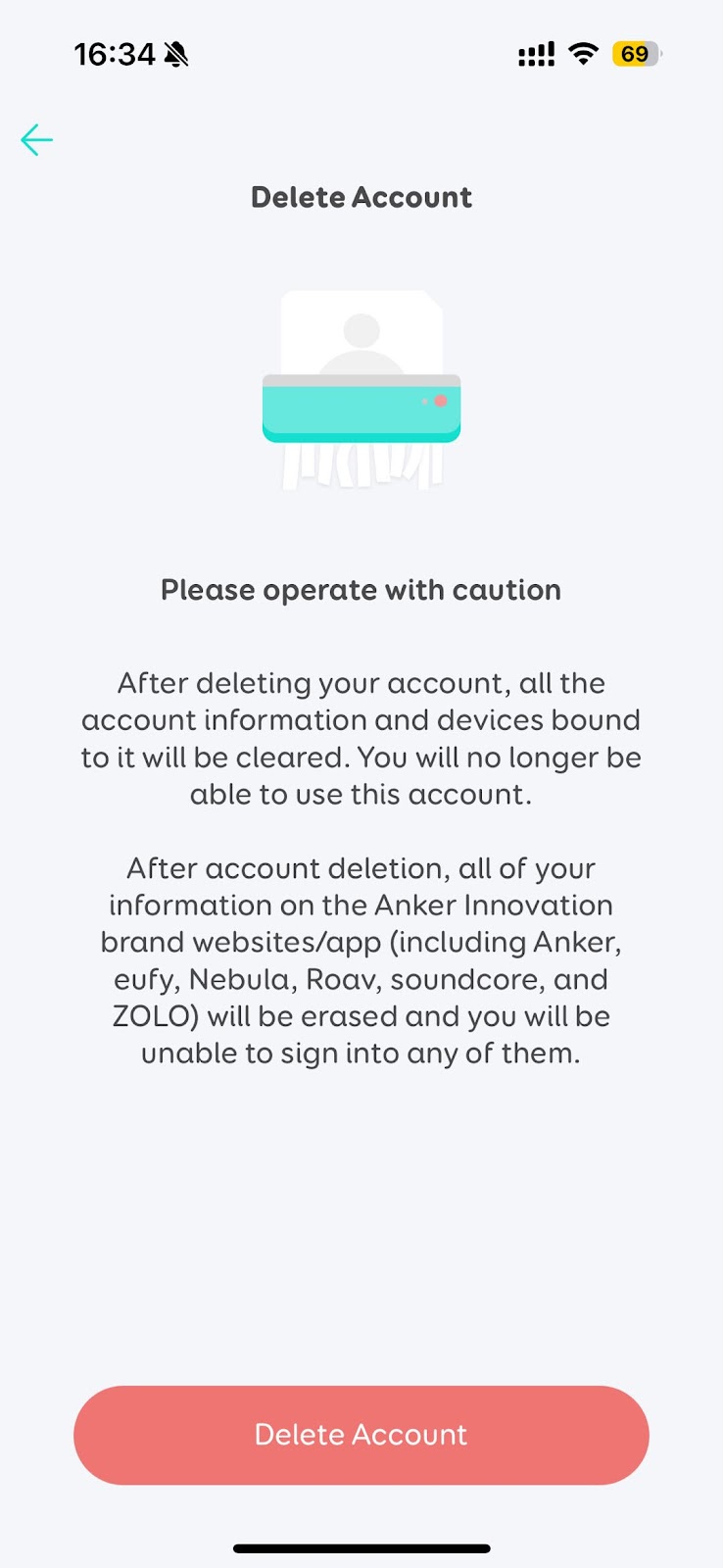
- If you select "Yes", then:
- Your account information will be deleted immediately.
- All devices which are connected to this account will be disconnected and reset.
- All devices' information will be deleted from the server immediately.
- If subscribed to eufy's newsletter, you will be unsubscribed.
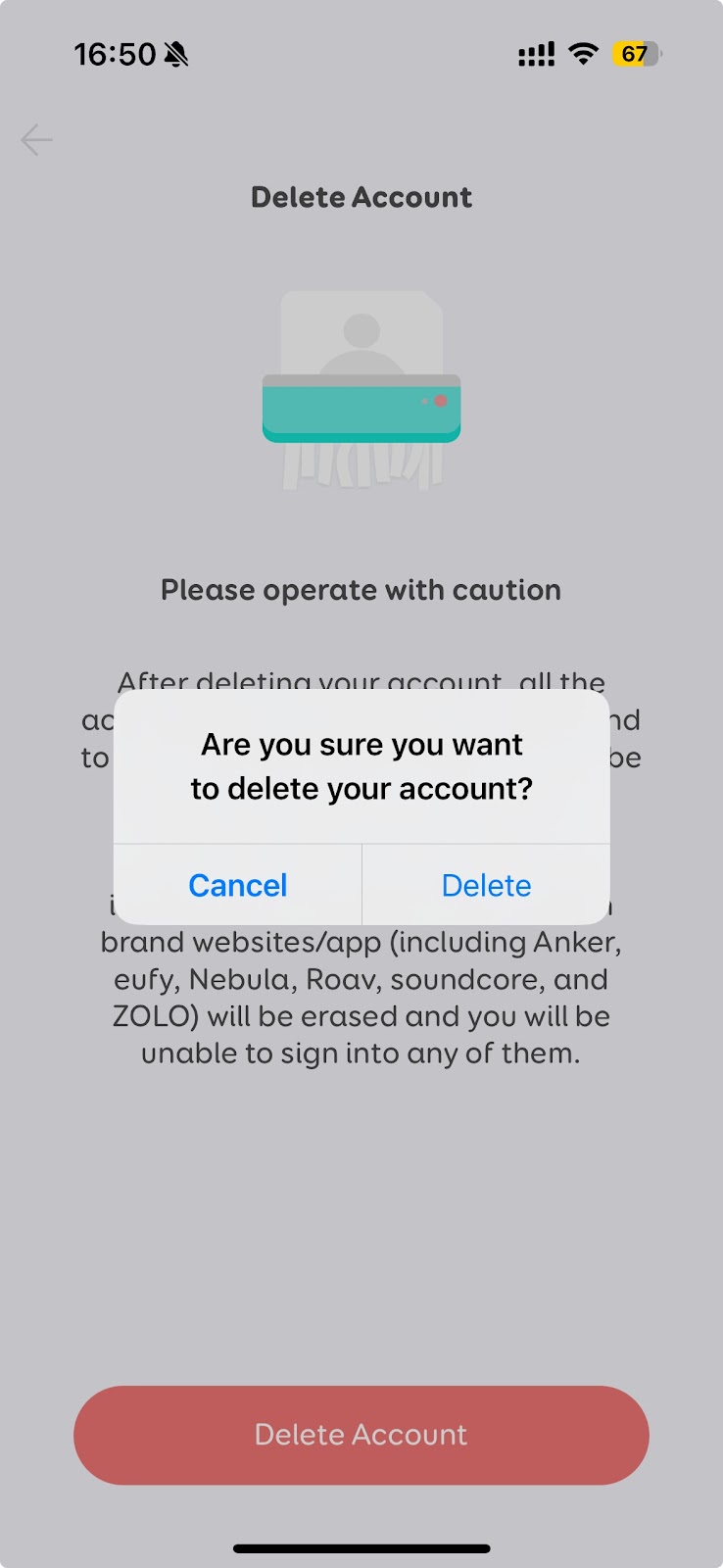
- After the account is deleted, you will not be able to reactivate, restore any data, or regain access. If you want to use eufyLife again, you need to create a new account.
If you have further questions, please contact us for assistance.
Was this article helpful?
That’s Great!
Thank you for your feedback
Sorry! We couldn't be helpful
Thank you for your feedback
Feedback sent
We appreciate your effort and will try to fix the article